Junior Software Engineer Program
- Step 1: Practical Training
- Step 2: Resume and Cover Letter Correction
- Step 3: 1 on 1 Interview Coaching
Specifically designed for students with no experience to land a role in less than 10 weeks.

Job Opportunities after this course
Software Engineer
Other titles you may find on job sites with similar responsibilities: Front-end Developer. Back-end Developer, Web Developer,...
Expected Salary for this role: $80k–100k plus super (as of 2023), depending on the employer's size
Course Structure
The course will be broken down into 3 simple training steps:
Step 1: Practical Training
Duration: 9 weeks
Day and time: Every Wednesday and Thursday, 8 pm to 10 pm
Week 1: Getting familiar with HTML and CSS
HTML (Hypertext Markup Language) provides the structure and foundation of a web page, defining the elements and content. It enables the organisation of text, images, links, forms, and more. You will learn about tags needed to create a website
CSS (Cascading Style Sheets) complements HTML by controlling the presentation and visual styling of web pages.
With CSS, you can define colours, fonts, layouts, and responsive designs, making the web pages visually appealing and user-friendly.
Week 2: JavaScript
You will learn about Javascript and it's syntax
JavaScript adds interactivity and dynamic behaviour to web pages. It allows you to manipulate the HTML and CSS, handle events, validate form input, make API requests, and create interactive elements. JavaScript brings life to web pages, enabling actions, animations, and real-time updates.
Together, HTML, CSS, and JavaScript form the foundation for building modern, interactive, and engaging websites and web applications.
Week 3: Start your software engineering journey with the React library
To become proficient in React.js, a popular JavaScript library for building user interfaces, here are some key areas you should focus on learning:
JSX (JavaScript XML): Understand the JSX syntax, which combines JavaScript and HTML-like code, to write components and render elements.
Components: Learn the concept of components in React and how to create functional components and class components. Understand component lifecycle methods and their usage.
State and Props: Understand the difference between state and props in React. Learn how to manage state within components and pass data between components using props.
React Router: Learn to implement client-side routing in your React applications using React Router. Understand how to create routes and navigate between different pages.
Handling Events: Learn how to handle user interactions and events within React components. Understand event handling and event delegation in React.
Conditional Rendering: Understand how to conditionally render components and elements based on specific conditions or user input.
Week 4: Go further with React and Redux, and deploy your site on Vercel
Component Styling: Explore different approaches for styling React components, including inline styles, CSS modules, and popular styling libraries like styled-components or CSS-in-JS.
State Management: Learn about state management solutions like React's built-in Context API or external libraries like Redux or MobX for managing complex application states.
React Hooks: Gain familiarity with React Hooks, introduced in React 16.8, which provide a way to use state and other React features in functional components.
React Testing: Understand how to write tests for your React components using testing frameworks like Jest and testing utilities like React Testing Library or Enzyme.
Deployment and Build Process: Learn how to build and deploy React applications for production, including configuring build tools like Babel and Webpack.
React Ecosystem: Explore popular libraries and tools that work well with React, such as React Router, Redux, Axios for HTTP requests, and React UI component libraries like Material-UI or Ant Design.
Week 5+6: Revise what you have learn in 4 weeks throughout your first projects
Project Goals:
Gain familiarity with React.js fundamentals, including components, state, and event handling.
Practice creating and managing React components for different sections of the app.
Understand and implement component state to manage task data and application logic.
Learn to handle user input and update the task list accordingly.
Explore basic styling and component layout using CSS or a CSS library like Bootstrap.
Week 7: Back-end basics with Node.js
Basics of Node.js: Understand the fundamental concepts of Node.js, including event-driven architecture, non-blocking I/O, and the role of the Node.js runtime in server-side JavaScript execution.
Setting up Node.js Environment: Install and configure Node.js on your local machine. Learn to use package managers like npm (Node Package Manager) or Yarn to manage dependencies and install Node.js modules.
Core Modules: Familiarise yourself with core Node.js modules such as fs (File System), http (HTTP), path (Path Utilities), and util (Utilities) to perform file operations, create web servers, handle paths, and work with utilities.
Asynchronous Programming: Understand the asynchronous nature of Node.js and learn to write asynchronous code using callbacks, promises, or async/await to handle I/O operations efficiently.
Week 8: Create an API with Node.js and test it with Postman
Node.js Modules: Learn how to create and use modules in Node.js, allowing you to modularise and organise your code. Explore the require function to import modules and the module.exports or exports objects to export functionality.
Web Development with Node.js: Use Node.js to build web applications and APIs. Explore frameworks like Express.js or Koa.js to handle routing, middleware, and request/response handling.
Working with Databases: Learn to connect and interact with databases using Node.js. Understand how to use database-specific libraries or Object-Relational Mapping (ORM) frameworks like Sequelize or Mongoose.
Error Handling and Debugging: Learn effective error handling techniques in Node.js, including try-catch blocks, error events, and logging. Understand how to debug Node.js applications using debugging tools or integrated development environments (IDEs).
Week 9: Mock test for Software Engineer role
In week 9, students will experience a day in the life of a Software Engineer. Tasks include analysing requirements, designing software, coding, testing, and delivering high-quality solutions. Evaluation will assess knowledge, performance, and the accuracy of the final output. Gain insights into the role, enhance programming skills, and understand the software development lifecycle.
Step 2: Resume and Cover Letter Correction
In this step, our trainers will assist you with the following services:
Improvement of your Resume: Boosting your interview callbacks, we ensure your resume is professional, concise, and packed with vital accounting keywords, ensuring immediate recognition by employers' AI hiring systems.
Improvement of your Cover letter: We expertly craft a versatile cover letter that eloquently showcases your strengths. It's designed uniquely to fit multiple applications professionally, requiring minimal adjustments.
Setting up your Linked in and Seek Profile: We help establish your professional LinkedIn and Seek profiles, strengthening your network and aiding your career progression. While Seek propels your entry-level roles, LinkedIn's prominence grows with your career advancement, underlining the importance of a robust online presence.
Step 3: 1 on 1 Interview Coaching
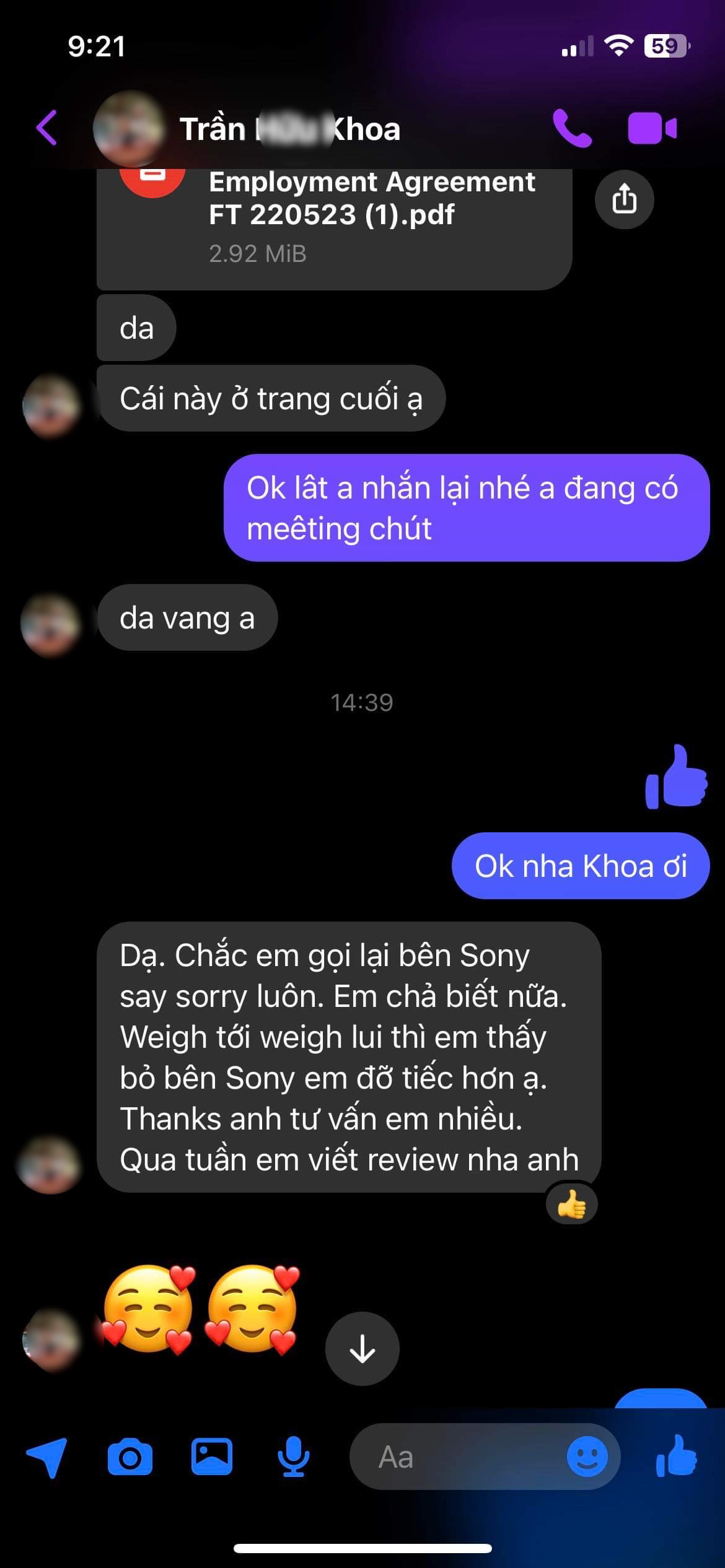
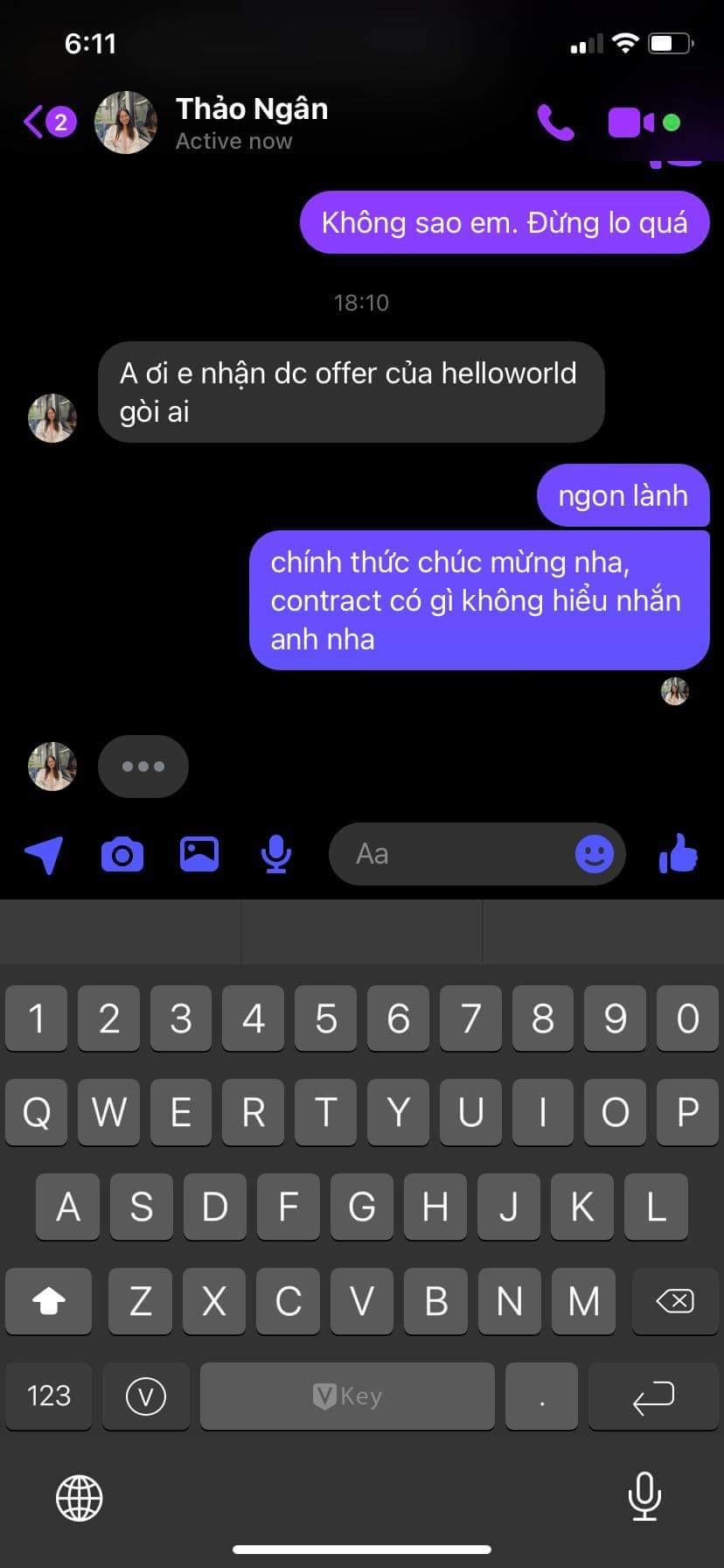
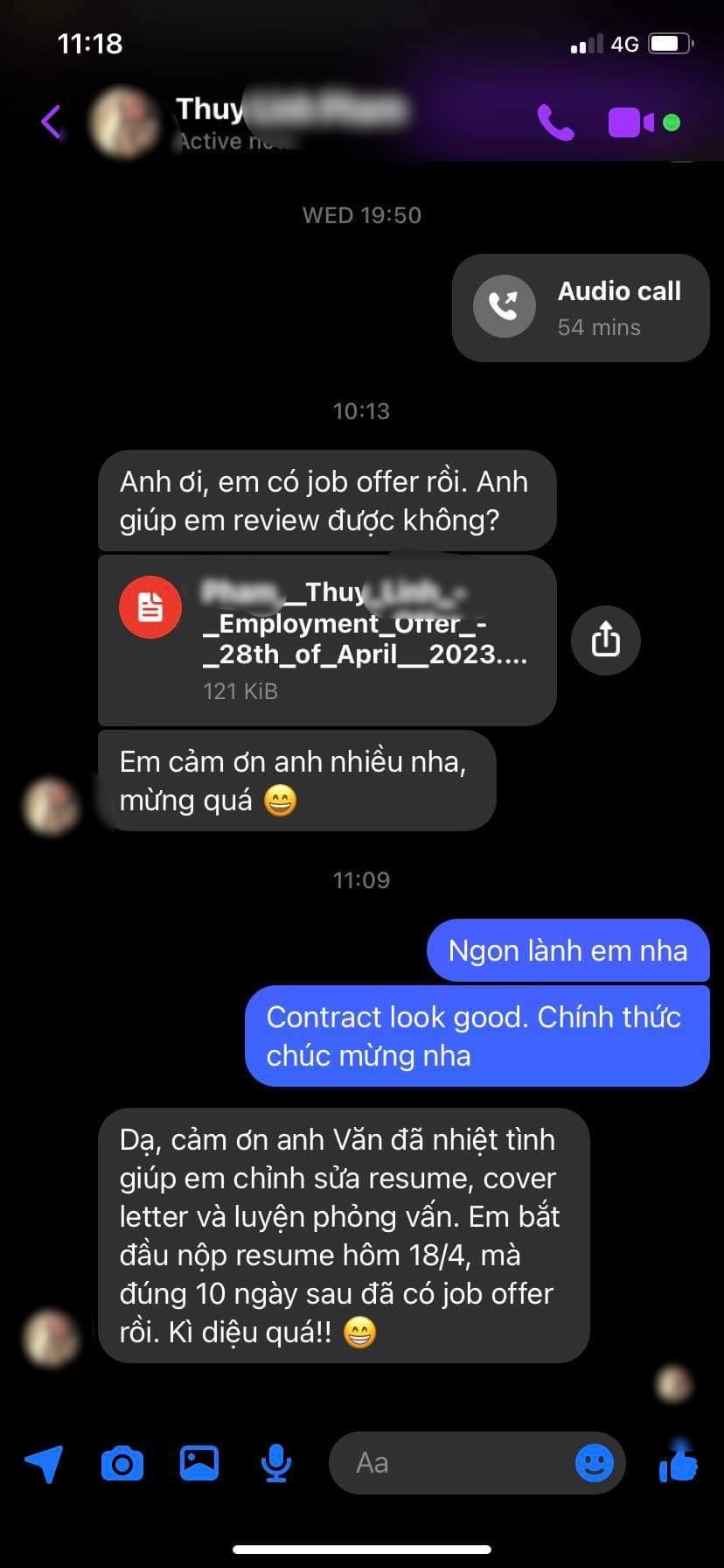
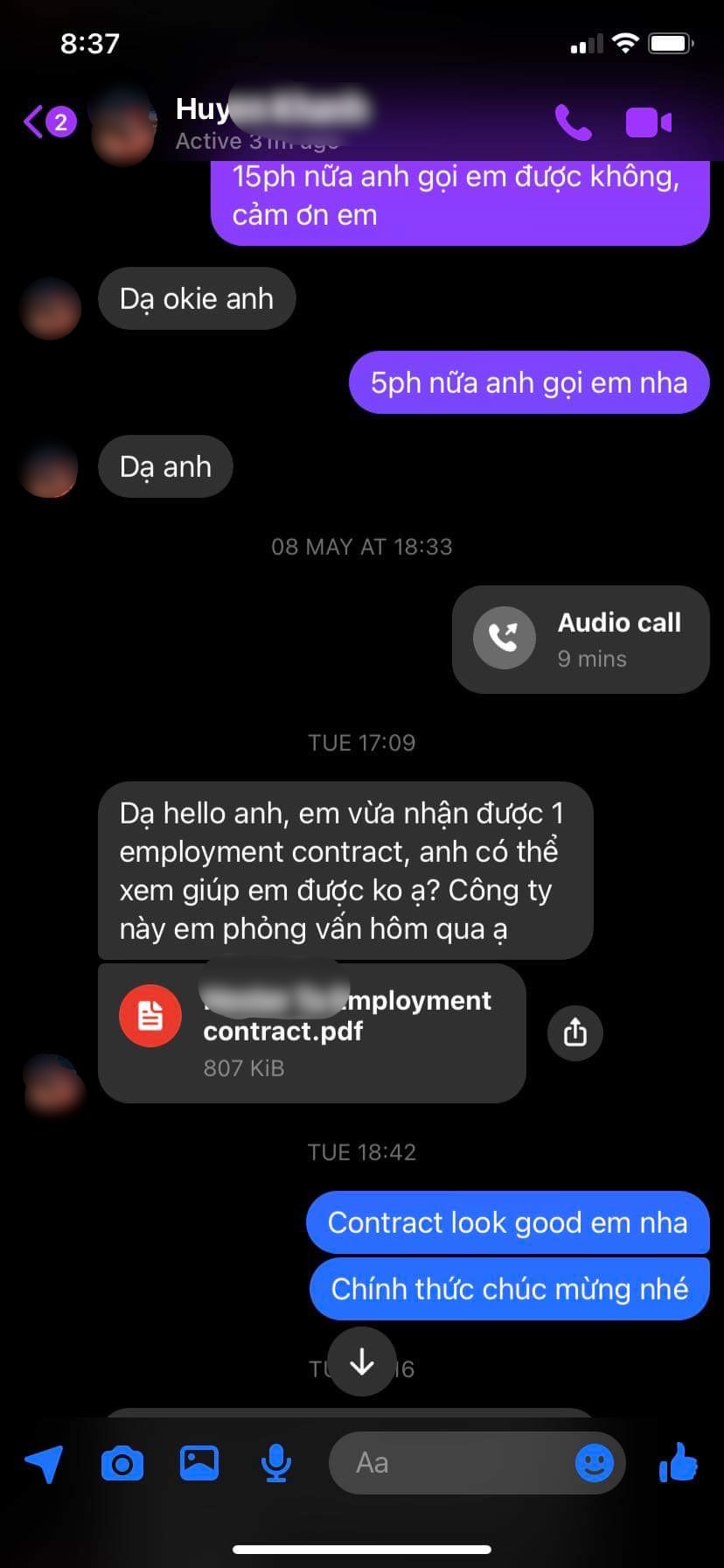
The pinnacle of this course is our unlimited interview coaching, persisting until you secure your first role. Upon each interview invitation, our expert trainer guides you meticulously through crucial steps, ensuring your performance secures top offers. Our committed support only concludes when you sign your first contract, marking the successful completion of the course.
In short: we will provide unlimited interview support until you landed your first role, this is a promise made with confidence!